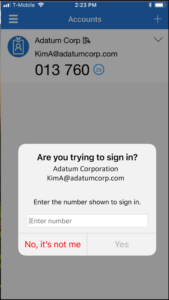
MICROSOFT ANNOUNCEMENT REGARDING MFA
SUMMARY: Microsoft services will require number matching on the Microsoft Authenticator App as of February 27, 2023. An update of your Microsoft Authenticator Application is recommended.
Effective February 27, 2023, number matching will be required for multi-factor authentication (MFA) when using the Authenticator app for logging into Microsoft services. The number matching feature will provide an added layer of security when logging into your account.
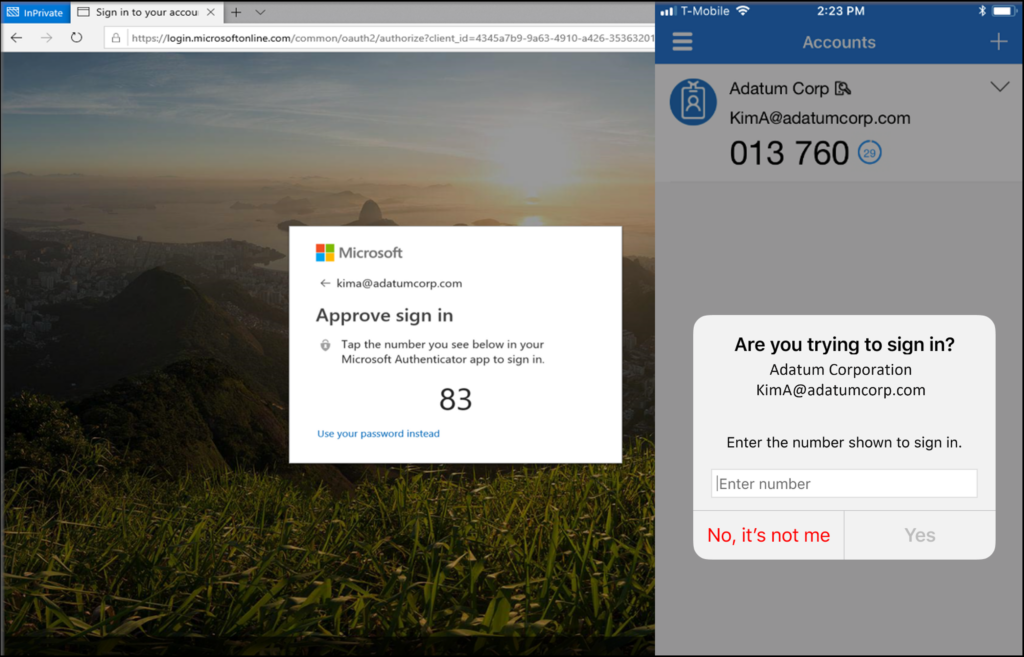
If your default method is the Authenticator app for MFA, you’ll receive a push notification with a number when you log in to Microsoft. Type that number into the app to complete the approval. (See photo below)
Note: If you use a different default authentication method, there won’t be any change to your default sign-in. In other words, this change does not apply to those who usually use a phone call or a one-time login code sent via text/SMS as your primary MFA method.
If you use the Authenticator app, here’s what you need to do:
Step 1: Update your Microsoft Authenticator application
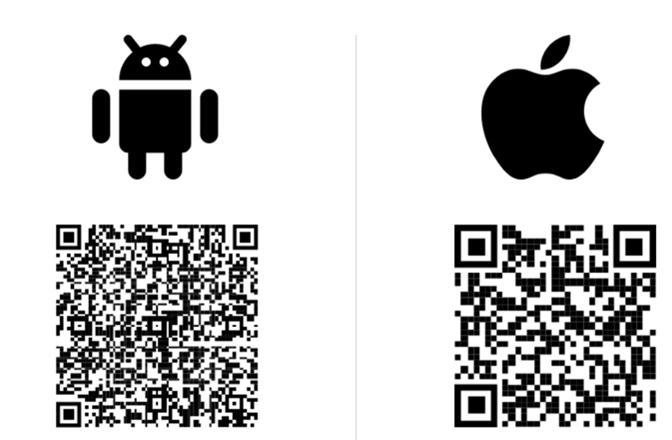
Update your Microsoft Authenticator application to the latest version from your phone’s application store. To find the latest version of the app, scan the Android or Apple QR code below:
Step 2: Use Number Matching in Authenticator App
Starting on February 27th, you will receive a number matching message in the Microsoft Authenticator application on your phone when you log into Microsoft services. The required verification number will be displayed on the screen of the computer or the device you are using to login to Microsoft services. In the Microsoft Authenticator application on your phone, enter the number sequence that appears on your device screen in the number field. (see the photo above)
Step 3: Be Aware of False Login Attempts
If you receive a notification from the Authenticator app and were not attempting to login (you do not recognize the login request), click “No, it’s not me.” This means someone else may be trying to access your account. If this continues, contact the service desk. (see photo below)